
Ad Tech아이보스
Karrot Ads Adopts MCP for Conversational Campaign Analysis in ChatGPT and Claude
Karrot Ads MCP connects AI tools to business accounts for natural-language budget and performance analysis, with campaign creation and editing planned next.
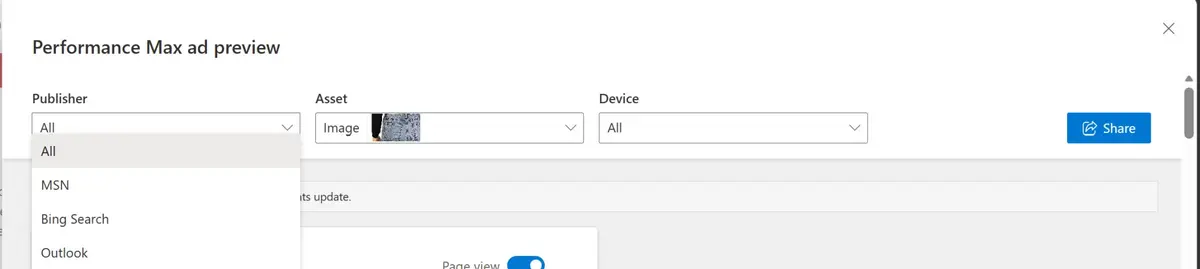
Microsoft Advertising has brought Ad Preview Hub to Performance Max campaigns, giving advertisers a faster way to review and share how ads will appear across placements before they go live.
The feature is designed to simplify creative approvals while helping advertisers understand how assets work together across Microsoft's AI-powered inventory.
Open an asset group inside a Performance Max campaign and select Preview ads, where you can preview eligible ad formats across different devices and placements.
A secure, shareable link can then be generated, allowing stakeholders and clients to review the creative without needing access to the Microsoft Advertising account.
According to Microsoft, only the person who generates the link and those they share it with can access the preview.
The feature was already available for Audience Ads and has now expanded to Performance Max campaigns.
Performance Max campaigns automatically assemble creative assets across multiple placements, making it difficult for advertisers and clients to visualise how ads will actually appear.
Ad Preview Hub removes much of that uncertainty by letting teams review combinations before launch, reducing reliance on screenshots or third-party approval tools.
It also makes it easier to identify assets that don't perform well alongside others before campaigns go live.
Ad Preview Hub gives Microsoft Advertising Performance Max advertisers a simpler way to preview, review and securely share creative before launch, making stakeholder approvals easier in an increasingly AI-driven advertising workflow.
Sharing without account access is the substantive change. Client review previously meant capturing screenshots into a document by hand; one link replaces that process. For agencies it is a measurable reduction in approval lead time.
Shift the review unit from asset to combination. PMax's real problem isn't the individual asset but the automatically assembled output. Approving asset by asset and discovering the problem in combination is a common failure — preview makes the combination the thing being approved.
Confirm the security scope and write it into sharing policy. Access is explicitly limited to the link creator and recipients, which organisations with external-sharing restrictions can cite as grounds for approval.
Put device and placement checks on the checklist. The same asset crops differently or combines differently by device. Approving from a single desktop view defeats the purpose of having a preview.
Bundle it with auto-created asset review. Why AI-written copy needs genuine review was tested across three accounts in Testing Google Ads AI Max's Automated Ad Copy, where roughly 19% of auto-created assets were removed for not matching brand messaging. A preview tool is the infrastructure that makes such review practical.
Read it as controls being bolted onto automation. The same direction appears in Household Income Exclusions in Performance Max and Google Ads Editor 2.13. Review and control mechanisms are steadily being added to what were black-box campaign types.
In Microsoft Advertising Performance Max campaigns — open an asset group and select Preview ads to see eligible ad formats across different devices and placements.
Yes. A secure shareable link lets stakeholders and clients review creative without a Microsoft Advertising account. Per Microsoft, only the link creator and those they share it with can access the preview.
PMax assembles creative assets automatically across placements, making it hard to visualise how ads will actually appear. Reviewing combinations before launch also surfaces assets that underperform when placed alongside others.
It was already available for Audience Ads and has now expanded to Performance Max campaigns.
To apply what you just read to your own site, start with a free audit of where things are now.
A strategist replies within 24 hours on business days.
Karrot Ads MCP connects AI tools to business accounts for natural-language budget and performance analysis, with campaign creation and editing planned next.
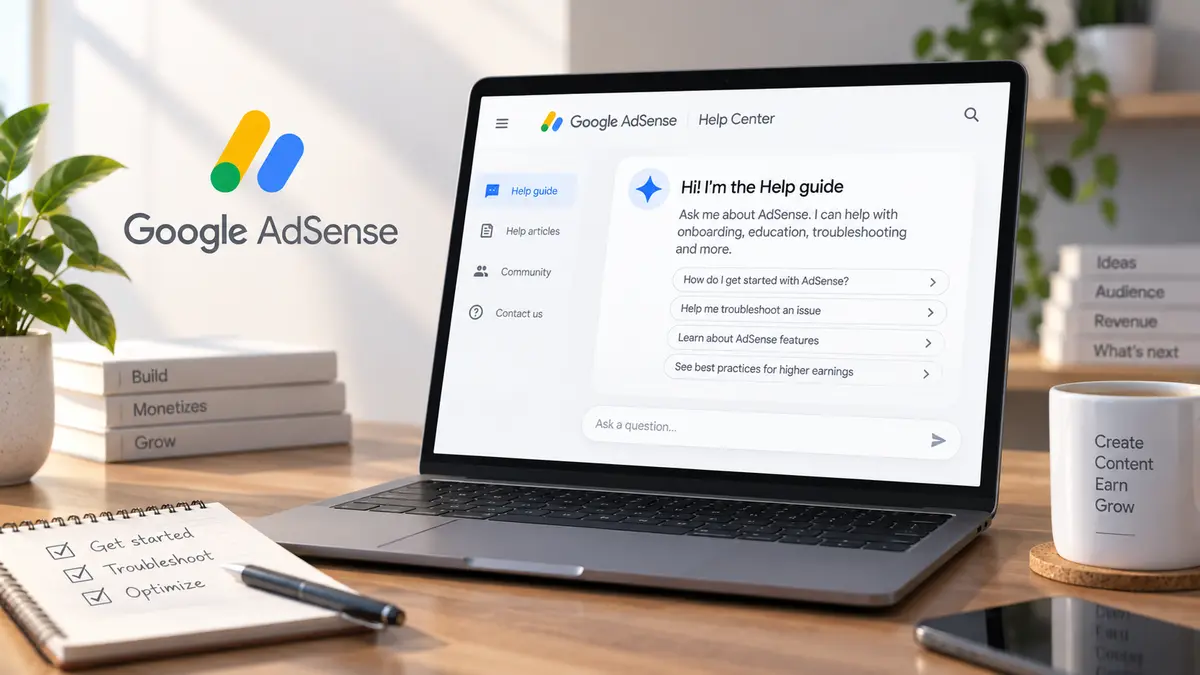
Google's conversational AdSense Help guide now reaches all English Help Center traffic. It covers onboarding and troubleshooting, but Google says answers may be wrong.

KT's new platform unifies out-of-home, IPTV, and partner-media ad buying with real-time pricing and an Open DSP. Here's what changed for advertisers.