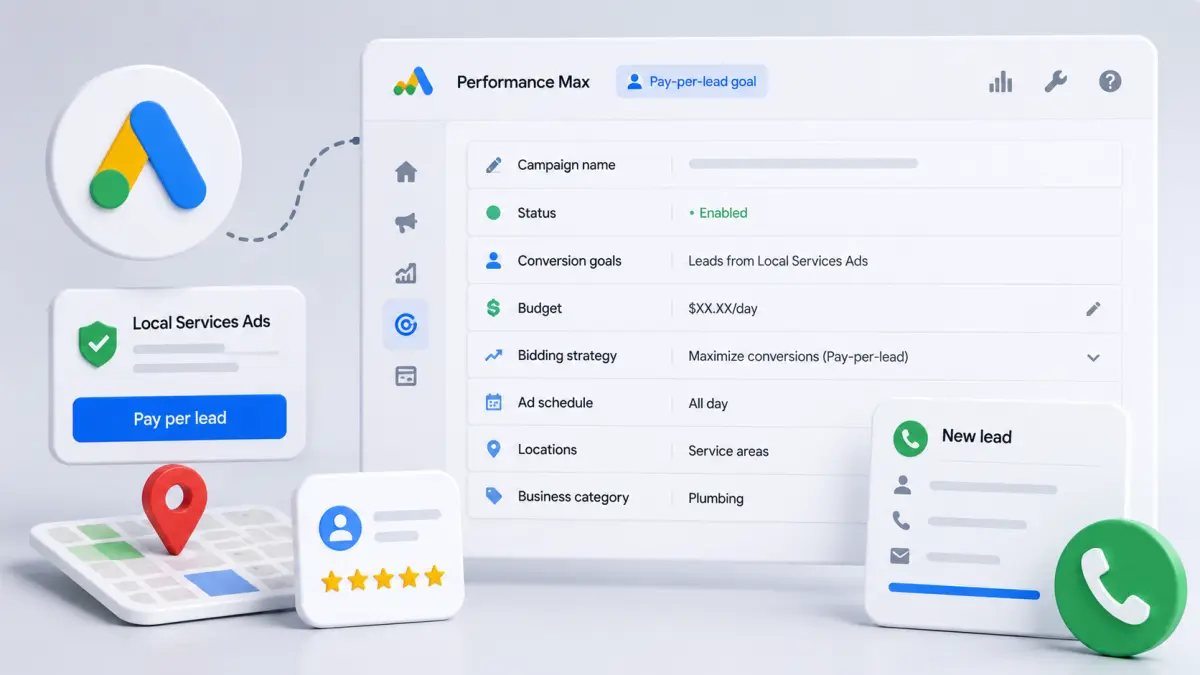
Google has published three new Help Center pages explaining how Performance Max pay-per-lead campaigns will work, following its announcement that Local Services Ads (LSAs) are being integrated into Google Ads. The documentation is the clearest look yet at how advertisers will configure, target and optimize the new campaign type.
What the docs cover
- Campaign settings for Performance Max campaigns with pay-per-lead goals
- Targeting options for pay-per-lead campaigns
- Best practices for maximizing performance
The guides outline how advertisers configure campaigns, define service areas, select business categories and optimize toward lead generation rather than traditional conversion objectives.
Why it matters
The pages offer more insight into Google's plan to bring Local Services Ads into the broader Google Ads ecosystem. Instead of managing LSAs separately, eligible advertisers will increasingly run pay-per-lead campaigns through Performance Max — potentially simplifying campaign management while expanding automation.
What to prepare
Three items for agencies handling local service businesses.
Define service areas and business categories against what the business can actually service. Under pay-per-lead, those definitions are the matching criteria, so a mismatch means paying for leads nobody can handle.
Set your lead quality standard before launch. Because the lead itself is the billable unit rather than a downstream conversion, you need internal criteria for what counts as valid and how disputes get filed, or campaign performance becomes uninterpretable.
Carry over existing LSA data. Historical cost per lead and close rates by area give you the baseline for setting targets in the new structure.
For what happens when automated campaign defaults go unchecked, see Four Google Ads Settings Worth a Second Look Before You Enable Them; for why business structure outranks account structure, see 'Best Practice' Cost a Client 40% of Revenue.