PPCSearch Engine Land
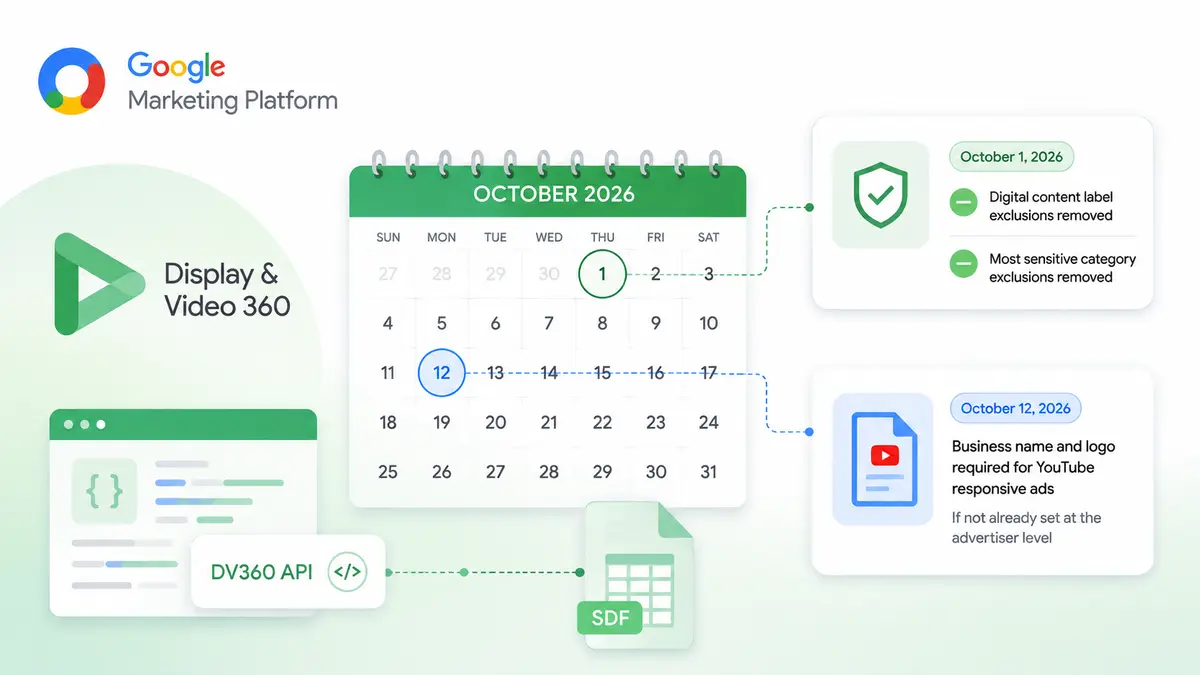
DV360 Is Dropping Content Exclusion Options — Two October Deadlines
Google is removing digital content label and sensitive category exclusions from the DV360 API and requiring business identity for YouTube responsive ads.
Audit enough Google Ads accounts and one pattern repeats: the CRM is not talking to Google Ads. Somewhere between the form submission and the sales pipeline, lead quality data disappears. That data happens to be one of the most valuable signals Google Ads could learn from.
For years, more leads read as good campaign performance. Conversions rise, the graph moves the right way, and Google hands you an "Excellent" ad strength rating. It is an easy trap.
But a lead is not a sale, and two leads can be worth wildly different amounts to a business.
That is why qualified leads should be the priority — except the definition is the hard part. More budget? The right location? A specific service? Someone ready to buy now? It means completely different things across businesses. If you cannot define and measure a qualified lead, you cannot optimize for one. If Google Ads only sees the form submission, it will produce more form submissions.
Start by returning CRM outcomes to Google Ads — which leads qualified, which became customers, which went nowhere.
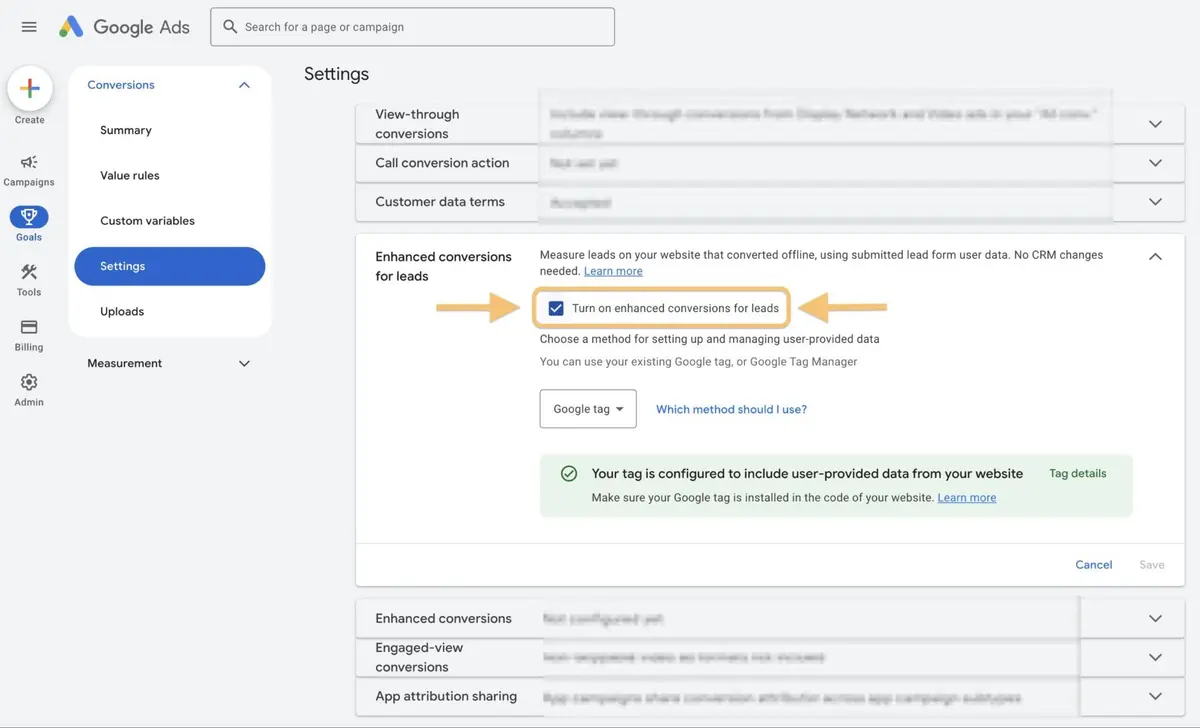
This is where offline conversions and enhanced conversions for leads come in.
The deadlines matter:
Google recommends uploading regularly, ideally daily. If matching fails, check the basics first: is the GCLID being stored, is first-party data captured correctly, are parameters getting lost between the ad, the form, and the CRM?
Per Google, advertisers using enhanced conversions for leads see a median 10% increase in conversions over those relying on standard offline conversion imports.
Once the systems talk to each other, decide what counts as a qualified lead. You have to define it before you can teach it.
Talk to sales about what makes a lead worth pursuing. For a real estate business, that might be:
Keep the scoring as simple as possible at the start. You do not need a sophisticated model:
Criteria differ by business, and you can always add sophistication later. What matters is that marketing and sales agree on what each stage means and score consistently.
Once Google Ads knows which leads qualify, take the next step: tell the platform that not every conversion is worth the same.
In a real estate campaign, a qualified lead might carry a value of $50, while a closed purchase carries the value it generated for the business. The numbers differ everywhere. The point is giving Google another signal about which outcomes matter most.
Once conversion values flow back consistently, value-based bidding — Maximize conversion value or Target ROAS — becomes viable. But it needs sufficient data. A customer is worth more than a qualified lead, yet if the business closes only a handful of sales monthly, Google will not have enough sales data to learn from. In that case, optimizing toward qualified leads makes more sense.
The goal is not the deepest possible conversion. It is the most meaningful conversion that still gives Google enough data to learn.
With this in place, reporting changes character. Instead of lead counts, you report qualified leads and the pipeline value they generated. That gives you firmer ground when recommending changes, requesting budget, or writing the next proposal — and for agencies and consultants, it makes renewal, expansion, and upsell conversations considerably easier.
While reworking measurement, revisit attribution windows too. Google Analytics now supports custom conversion attribution windows, which helps categories with long lead maturation. And check how branded search is being counted, since Google updated branded searches measurement in a way that changes report interpretation.
Lead quality is not clear at the moment of the click. It is determined by everything that happens afterward — and that is exactly the information you should be feeding back into Google Ads.
GCLID-based offline conversions must generally be uploaded within 90 days of the ad click, while enhanced conversions for leads using first-party data have a 63-day window. Google recommends daily uploads.
Google reports advertisers using it see a median 10% increase in conversions compared with those relying on standard offline conversion imports.
Start simple — 0 for not qualified, 1 for qualified lead, 2 for customer. Consistency and shared definitions between marketing and sales matter more than sophistication.
Once conversion values flow back consistently and volume is sufficient. If monthly closed deals are few, optimizing toward qualified leads gives the algorithm more to learn from.
To apply what you just read to your own site, start with a free audit of where things are now.
A strategist replies within 24 hours on business days.
Google is removing digital content label and sensitive category exclusions from the DV360 API and requiring business identity for YouTube responsive ads.
Greg Finn reflects on the road from exact match close variants to AI Mode: what automation took away, what it left, and why authenticity now matters more.

Google's new YouTube creative guidance puts numbers on ad elements: 12% for human voice, 3% for text overlays, 4% for early branding.