Tech/AI모비인사이드
OpenAI DevDay 2026 Recap — ChatGPT Becomes a Shared Workspace for People and Agents
OpenAI DevDay 2026 introduced the always-on agent Dots, GPT-6.1 Sol and ChatGPT Spaces. A recap of the shift from model races to work platforms.
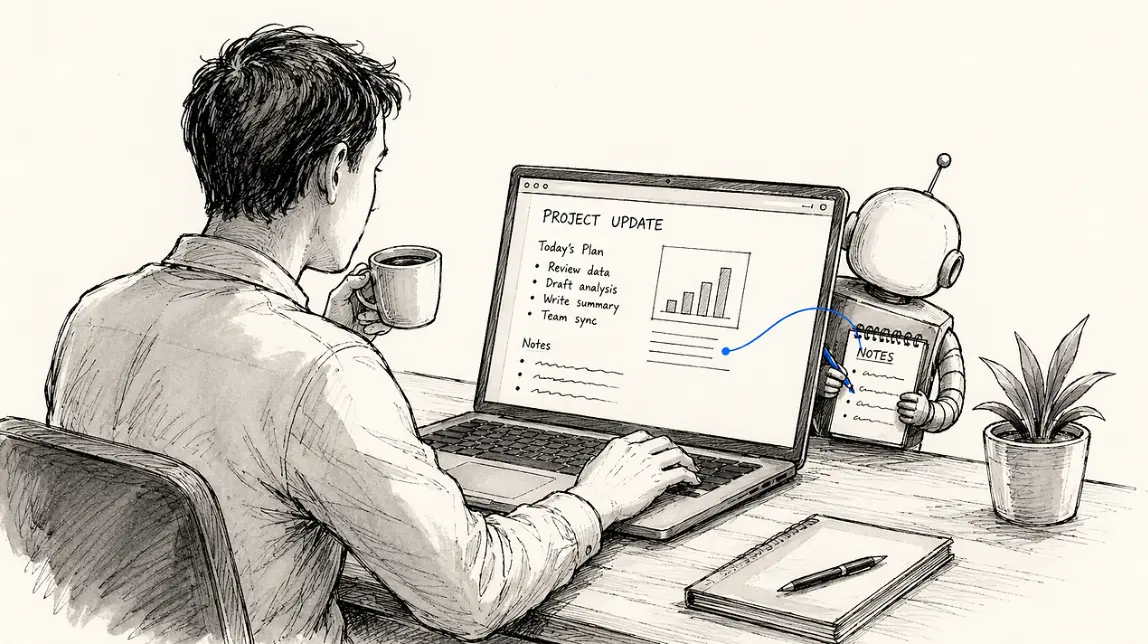
"What did I do yesterday?" You can now ask an AI that. On Aug. 13, 2026, OpenAI shipped a Computer History feature in the ChatGPT app for Mac, extending AI memory from conversations into work activity.
The feature watches and remembers what you do on your computer — which apps you used, which sites you visited, what you clicked and typed — and assembles it into a timeline.
Which makes things like this possible:
You don't need the file name. "That document I was reading after lunch" is enough for ChatGPT to search the timeline. It removes the routine of explaining context from scratch and attaching files every time. When it spots a repeating work pattern, it can proactively offer to automate it.
This isn't the first attempt. In 2024 Microsoft announced Recall for Windows, which screenshotted the screen every few seconds and made it searchable. The backlash — "you're saving pictures of my entire screen?" — delayed the launch by nearly a year.
OpenAI appears to have studied that episode and designed differently from the start.
First, the log files aren't encrypted. Other apps running on the machine could access them.
Second, prompt injection risk rises. That's the technique of hiding instructions inside a webpage or document that only the AI reads, then getting the AI to follow them. The more the AI knows about your activity, the more sophisticated those attacks can get.
Which is why OpenAI's own guidance is to exclude apps that handle sensitive information. Shipping a feature alongside instructions for how not to use it signals awareness of both the utility and the risk.
Memory has entered the AI competition. OpenAI has spent the year expanding memory across past conversations, files and mail. Google and Anthropic are doing the same. Capability is no longer only "who is smarter" but "who remembers me better."
Memory creates powerful lock-in. After months of use, moving from an AI that knows your work patterns to a blank one is hard. The more memory accumulates, the harder leaving becomes. Accumulated data becoming switching cost is exactly the structure behind Neko Health's 75% rebooking rate on time-series data.
You now decide what it remembers. The question shifts from "what should I ask the AI to do" to "how much do I expose to it." Banking apps, salary negotiation emails, medical appointments — that's a personal call.
An AI that holds work context sharply lowers the entry cost of repetitive tasks. But teams handling client material should decide the app inclusion list first. Deciding what to exclude before turning convenience on is cheaper than cleaning up afterward. As the points where AI waits on humans shrink, the boundaries you have to manage grow.
No. It collects no screenshots, screen recording, microphone or audio — only behavior like clicks, typing and app switches.
A maximum of 48 hours, and OpenAI says it isn't used for model training. You can also delete the last 10 minutes, hour or day yourself.
The log files aren't encrypted, so other apps on the machine could reach them, and prompt injection risk increases. OpenAI itself recommends excluding apps that handle sensitive information.
To apply what you just read to your own site, start with a free audit of where things are now.
A strategist replies within 24 hours on business days.
OpenAI DevDay 2026 introduced the always-on agent Dots, GPT-6.1 Sol and ChatGPT Spaces. A recap of the shift from model races to work platforms.
Zero-click GEO explained from TBWA's observations: 68% of U.S. Google searches end without a click, so extend existing SEO content into AI citations.
Claude Fable 5.1 improves coding and research while cutting cache costs, reducing false safety interventions, and introducing regulatory watermarking.