
GoogleSearch Engine Land
Google Is Auto-Expanding AI Overviews — Pushing Search Results Further Down
For some queries, AI Overviews now expand fully without a 'Show more' click. What that does to clicks and how to respond.
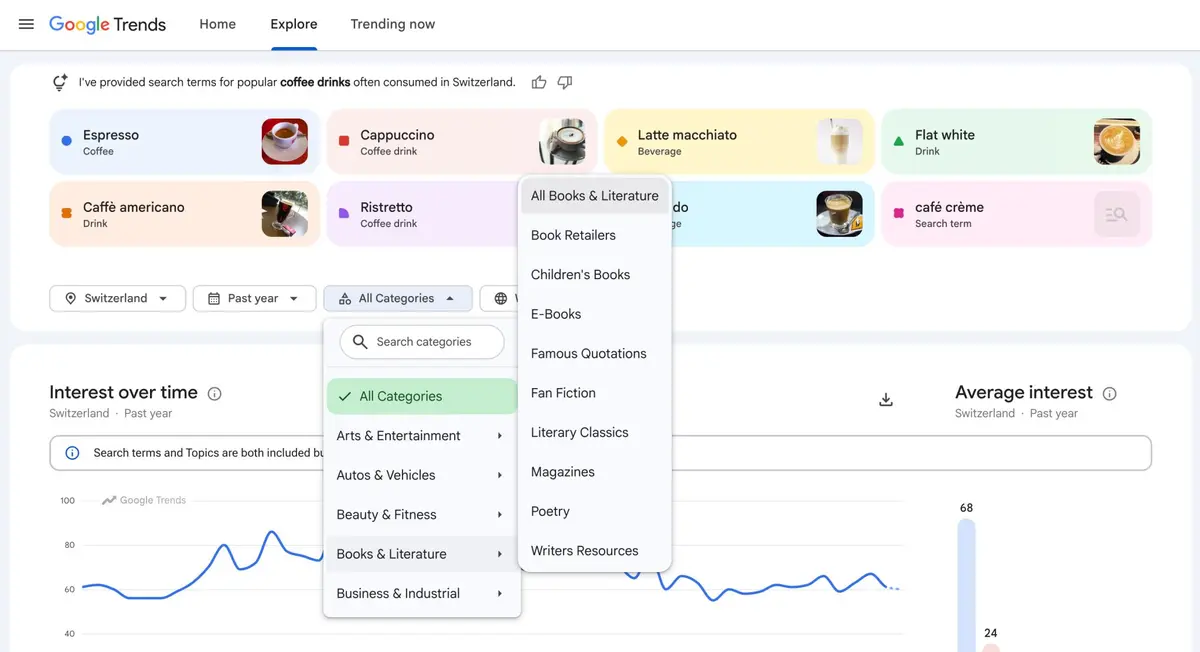
Google Trends now lets you filter the Explore page by pre-defined categories without entering a query to see data. That's the substantive change.
You can select a category alone and see the top-searched terms within it across regions and timeframes. Or you can apply a category alongside a query to make sure that query is filtered to a specific category and doesn't overlap with searches from other categories.
Google announced on LinkedIn: "We're excited to introduce Trends category filters on the new Explore page. This update makes it easier to refine trends data more precisely for specific categories such as 'All Books & Literature.'"
Google added a tip: "Apply the category filter without entering a query to explore category-specific top-searched terms across specific categories, regions, and timeframes."
The first is topic discovery — finding new subjects to write about in a given category. Though writing on a topic you couldn't generate ideas for yourself is a separate problem.
The second, and more practically useful, is noise removal. Homonyms and brand names that appear across multiple contexts produce muddled trend data. Specifying a category excludes irrelevant categories from your query.
If your brand name collides with a common noun or is shared with a business in another industry, trend graphs have been hard to read. Comparing the curve with and without a category filter gives you a sense of how much of that interest is actually yours.
It's also useful for seasonality. Run a category with no query across a wide timeframe and you get the demand curve for the whole category — a baseline for telling whether a swing in your own query is your problem or the category's.
Topic discovery itself works better paired with mining customer reviews for selling points or keyword research from Reddit ranking data. Trends tells you what's rising; it doesn't tell you the words people use to describe it.
The top-searched terms for that category across regions and timeframes — a reasonable starting point for content topic discovery.
Noise removal. When a brand name overlaps with a common noun or another industry, filtering by category strips out irrelevant searches and shows actual brand interest.
No. Trends shows what's rising but not the language people use for it. Pair it with review mining or community data.
To apply what you just read to your own site, start with a free audit of where things are now.
A strategist replies within 24 hours on business days.
For some queries, AI Overviews now expand fully without a 'Show more' click. What that does to clicks and how to respond.
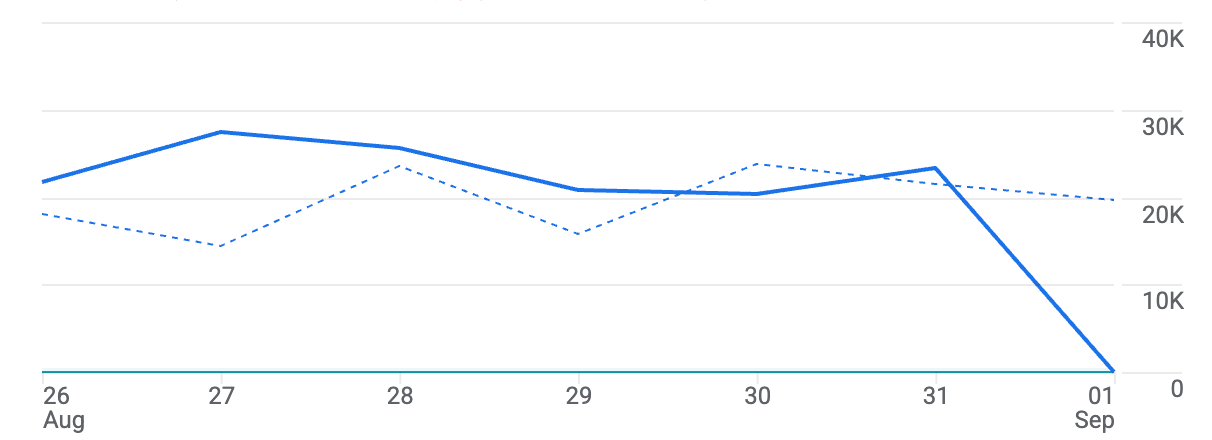
A widespread GA4 bug left Sept. 1, 2026 data missing across accounts. What to check and what not to do while Google Analytics data is missing.
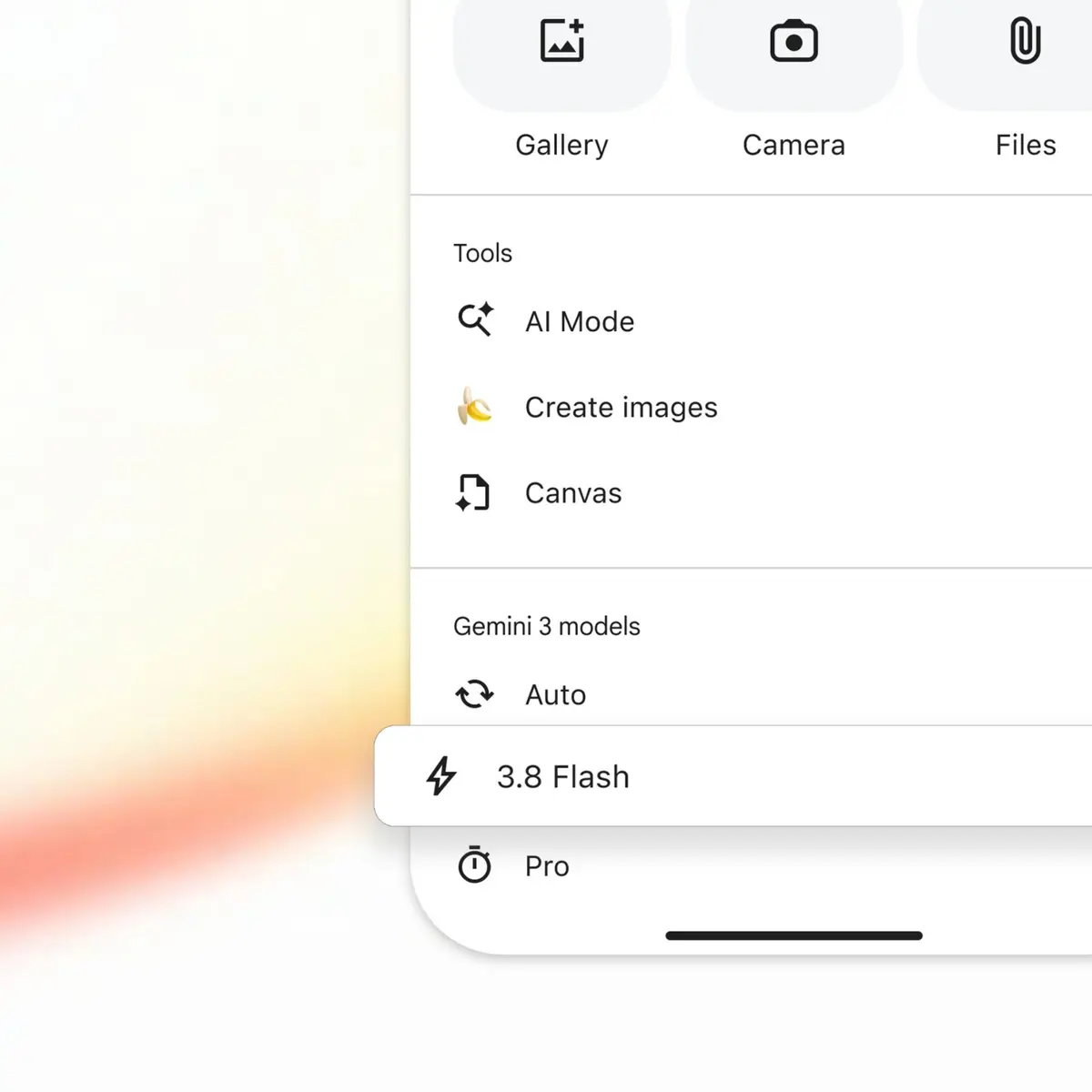
Google upgraded AI Mode to Gemini 3.8 Flash barely two weeks after 3.7. What the shrinking model swap cycle in Google AI Mode means for how you measure visibility.