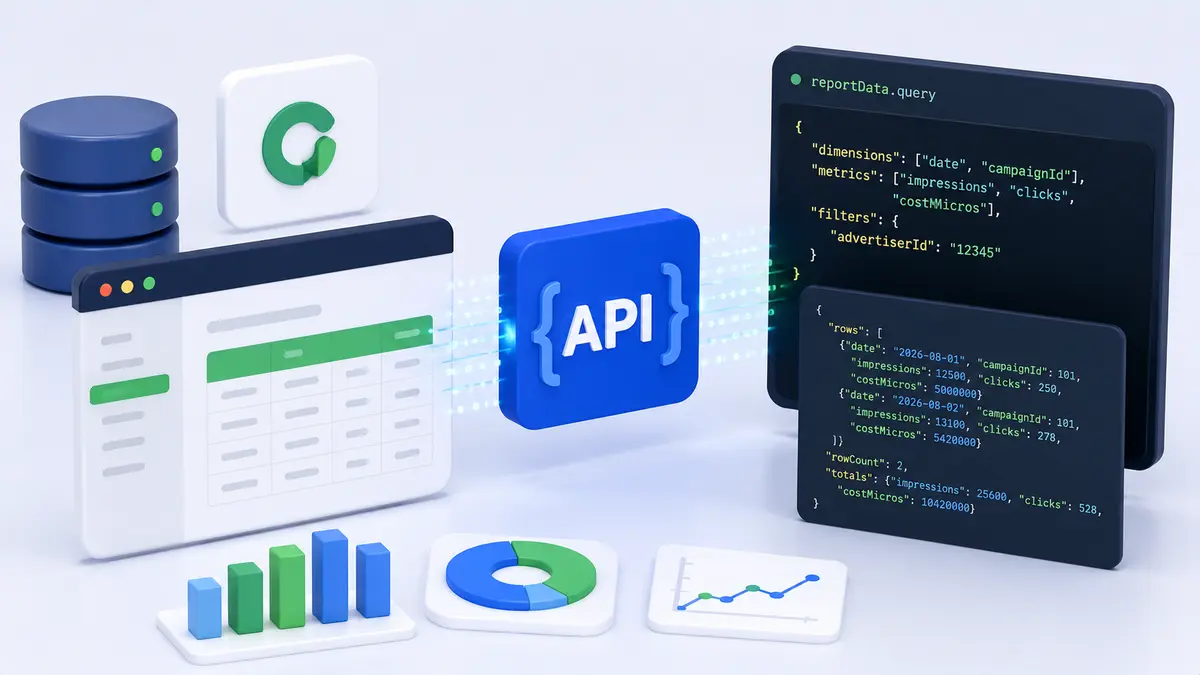
Google introduced a new reportData.query endpoint for the Campaign Manager 360 API, letting developers retrieve campaign performance data without generating downloadable reports. It targets real-time reporting, dashboards, and ad-hoc analysis.
What Changes
The endpoint queries campaign performance data synchronously and returns structured JSON directly in the API response.
| Existing Reports API | reportData.query |
|---|
| Setup | Requires creating a Report resource | None |
| Flow | Run report → poll for completion → download file | Define dimensions, metrics, filters in the request body |
| Response | CSV / Excel file | JSON returned directly |
| Constraint | Suited to large datasets | Queries run up to 60 seconds |
The old workflow required creating a report configuration, running it, polling for completion, and downloading the generated file. Four steps collapse into one request.
The Existing API Stays
Google was explicit about where the traditional Reports service remains preferred:
- Large datasets
- Scheduled reporting jobs
- Applications that rely on downloadable CSV or Excel files
This is a split by use case, not a replacement. The 60-second query ceiling makes clear the new endpoint was not designed for bulk extraction.
Where It Fits in Practice
- Internal dashboards: eliminating report configuration and file management meaningfully reduces implementation complexity.
- Ad-hoc analysis: query when the question arises, without predefining a report.
- Alerting and monitoring: well suited to checking a handful of metrics on a short interval.
- Bulk backfills: keep using the existing Reports API.
Tooling for catching gaps in ad data pipelines before they propagate is also expanding — see Google Adds a Campaign Data Import Validation Report.
The move from file-based reporting toward API-native querying is the broad direction of ad data infrastructure. Lower implementation cost does not make a dashboard useful — that is still a metric design problem.