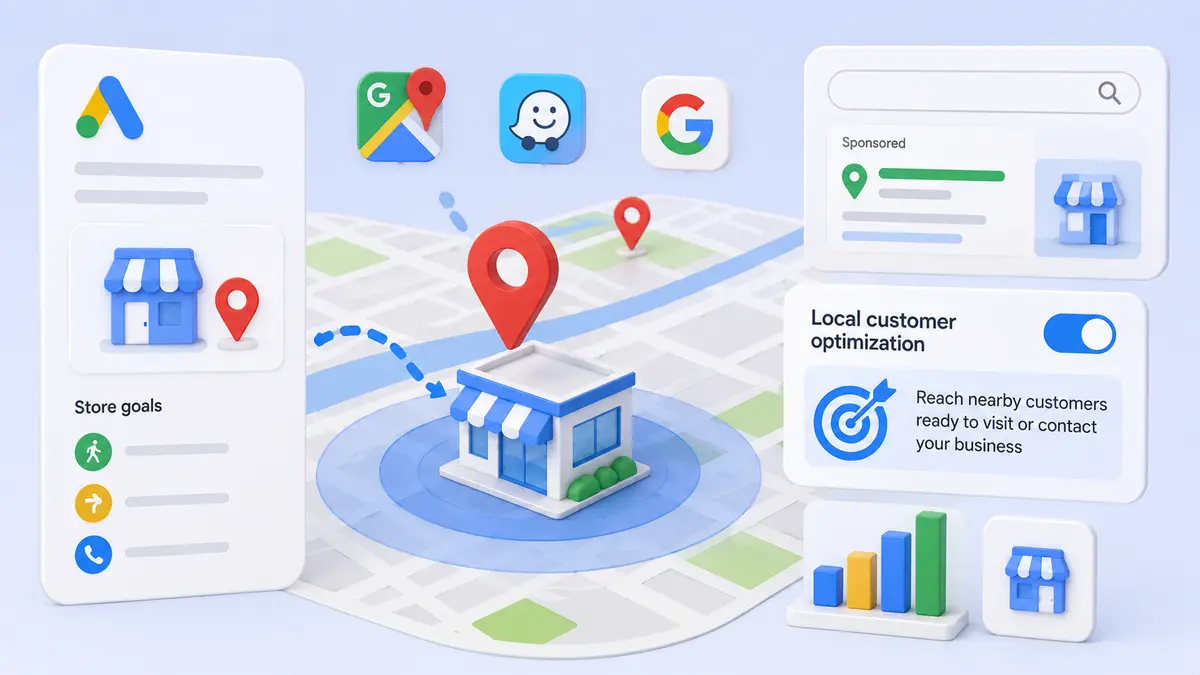
Google published a help document detailing Local customer optimization for Performance Max campaigns with store goals — a feature that prioritizes ads for people who are nearby and ready to visit or contact a business. The migration of nearby-user ad serving into Performance Max was announced last month.
What the feature does
Local customer optimization steers Performance Max campaigns toward users who are actively planning trips, navigating, or searching for nearby businesses. Placements span Google Maps, Waze and local formats on Google Search. Google frames the goal as capturing high-intent local customers at the moment they are most likely to visit a store, request directions or make contact.
Merchant Center is not supported
This is the constraint that matters. Local customer optimization is not compatible with Merchant Center. Performance Max campaigns using Merchant Center products, or campaigns carrying online conversion goals, cannot use the feature. To enable it, advertisers must remove Merchant Center product feeds or create a separate store-goals campaign.
For retailers running online and offline objectives in a single campaign, the structural decision comes first. Calculate whether the online revenue attributable to the product feed outweighs the store visits local optimization would add, then decide whether to split.
How to enable it
When creating a new Performance Max campaign for store goals, a Local customer optimization toggle appears during setup after you select offline conversion goals such as store visits, directions or store sales.
For existing campaigns, the setting lives under Budget and bidding optimization in campaign settings. Once enabled and saved, Google begins optimizing delivery toward nearby, high-intent users. Turning it off returns the campaign to standard Performance Max behavior at any time.
Why it matters
Until now, advertisers had no way to specifically optimize Performance Max for people actively navigating, trip-planning or searching nearby with immediate local intent. This brings those placements inside store-goal campaigns, letting brick-and-mortar businesses work Maps, Waze and local Search from a single campaign.
Read the results carefully, though. Store visits and direction requests carry more measurement noise and longer lag than online conversions. Do not judge on the first few days after enabling; run at least a full cycle and break results out by region. For catching gaps when offline data flows into Google Ads, see Google Adds a Campaign Data Import Validation Report; for how brand recognition shapes clicks on local search surfaces, see Google Tests an Advertiser List Above Mobile Search Ads.