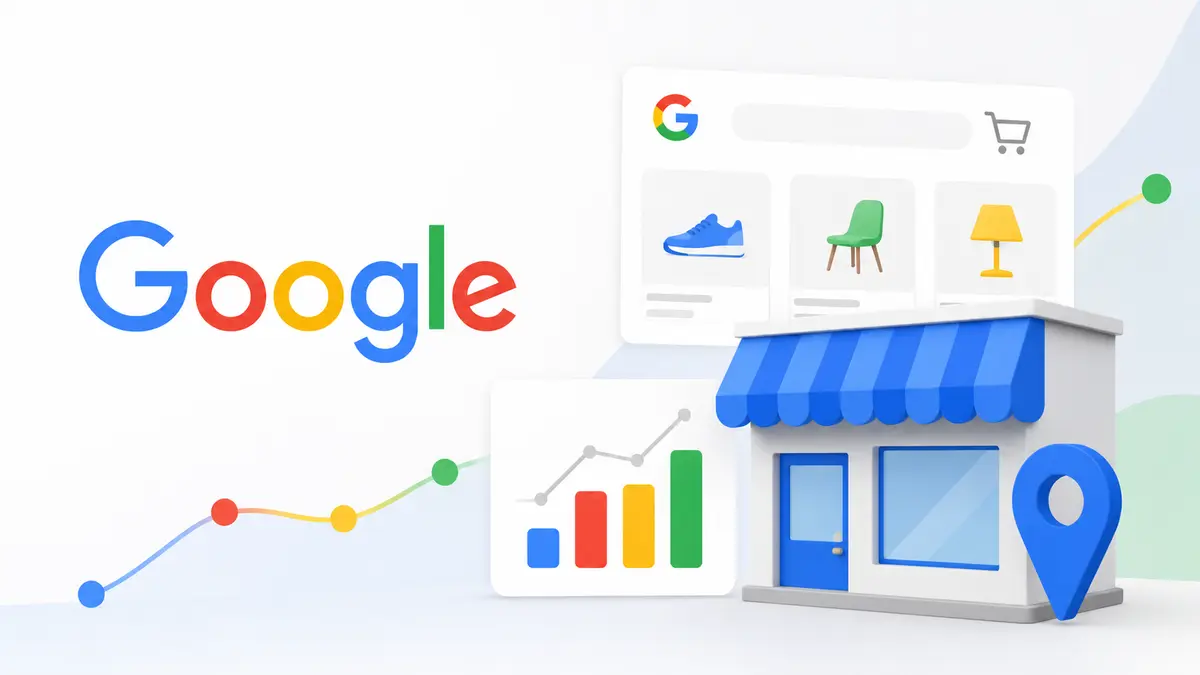
Google has confirmed that starting August 31, 2026, Local Inventory Ads (LIA) will be automatically enabled by default across every Shopping campaign. From that date, the "Local products" setting will switch on automatically in all Shopping campaigns, and advertisers will no longer be able to disable it manually.
What Changes Technically
The Campaign.ShoppingSetting.enable_local field will be ignored regardless of what value an advertiser sets, and will always resolve to true. On Google Ads API v25.1 and later, attempting to set it to false returns a ContextError.OPERATION_NOT_PERMITTED_FOR_CONTEXT error; on earlier versions, the setting is silently ignored. In effect, advertisers will no longer be able to turn off Local Inventory Ads through the API.
Two Workarounds for Online-Only Advertisers
Google isn't leaving online-only advertisers without options — it just won't let them disable the feature directly. First, use CampaignCriterionService to create a listing scope that sets product_channel to ONLINE. Second, use the Inventory filter in Google Ads campaign settings to exclude local inventory.
This shift isn't a sudden reversal — it aligns with Google's broader retail advertising direction. Performance Max for Retail already enables Local Inventory Ads by default; this change simply brings standard Shopping campaigns in line with the same standard.
What This Means for Marketers
Retailers running both an online store and physical locations gain an easier way to connect in-store inventory to online search demand — an opportunity to lean into, not defend against, for brands chasing omnichannel demand.
But pure e-commerce sellers, or teams that strictly separate online and local inventory data, need to check their setup before August 31. If any automation pipeline relies on setting enable_local to false, it will start erroring out or triggering unintended local exposure. Switching to the listing-scope or inventory-filter workaround ahead of the deadline is the safe move — review both campaign structure and automation scripts before the policy takes effect.
If you need help auditing your Shopping campaign setup before the deadline, Best Partner's services can support the transition, or reach out directly.