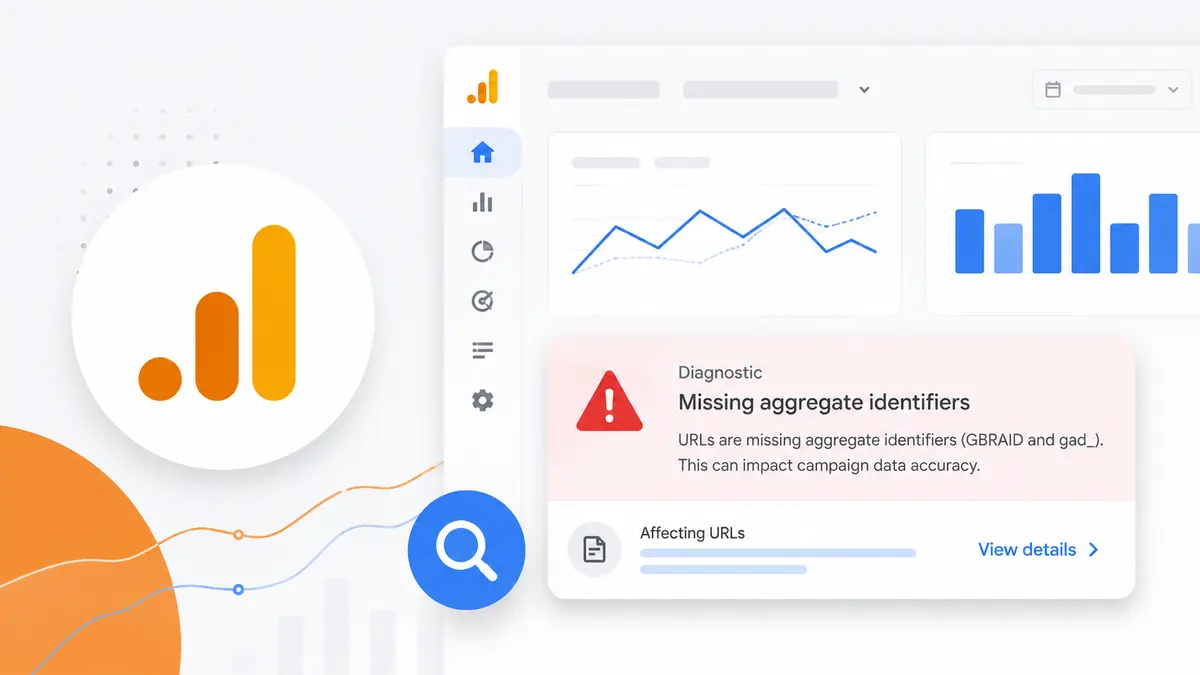
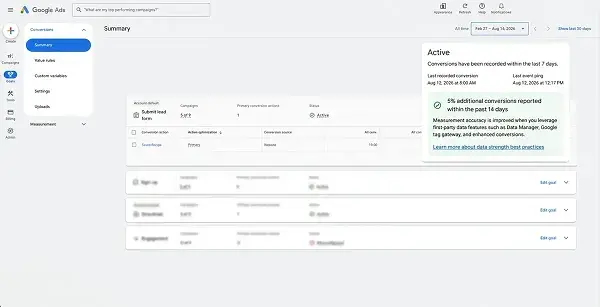
Google Analytics has added a diagnostic that catches campaign attribution problems before they reach your reports. It automatically flags links where aggregate URL parameters are missing and includes guidance on how to fix them.
The shift is from reverse-engineering a broken report to being warned before the report breaks.
What the diagnostic does
The new alert identifies URLs where aggregate identifiers are missing, including GBRAID and gad_. When these values disappear from a landing URL, the connection between an ad click and the resulting site session weakens.
Crucially, the alert does not just point at the problem — it provides guidance on the fix. Operationally that gap matters. "Something looks wrong with the data" and "this parameter is missing from this URL" produce very different response times.
Why aggregate identifiers got important
Privacy changes are the backdrop. As individual-level tracking narrows, measurement leans harder on aggregate identifiers. Parameters like GBRAID exist because of that shift.
The trouble is how quietly they vanish. They get stripped in redirect chains, dropped when a CMS normalises URLs, and deleted when someone tidies a link and keeps only the UTMs. And when they go missing, the landing page still loads perfectly. The campaign looks fine; only the reporting drifts.
Why it matters
Missing these parameters reduces campaign attribution accuracy. It becomes harder to see which marketing efforts are actually driving results — and every budget decision built on that view inherits the error.
The failure mode compounds. An under-credited channel loses budget, then produces fewer results, then loses more budget. Measurement error does not behave like a one-off wrong answer; it behaves like accumulating bias.
Tracking stacks left unattended can cost more than reporting accuracy, too. TikTok Fined KRW 10.3 Billion in Korea: The Problem Was a Tool Advertisers Installed is a useful reminder of how far that neglect can travel.
The wider pattern
This release is one of several Google Analytics updates this year focused on data quality and measurement reliability. The direction is consistent: keep reporting trustworthy even as the ecosystem becomes more privacy-centric.
Read another way, it signals that the platform does not intend to leave measurement integrity entirely to the advertiser.
What to do with it
Put the diagnostic into a recurring check. Enabling a feature is not the same as using it. Add "anything flagged in diagnostics?" to the weekly reporting routine or it will go unread.
Audit the landing URL pipeline end to end. Confirm that parameters leaving the ad platform survive to the final landing page. Redirect chains, URL shorteners, and CMS normalisation rules are the usual culprits.
Re-examine what makes a dashboard trustworthy. Having numbers and being able to decide from them are different things. As argued in A Dashboard Does Not Finish the Work: Decision Criteria Come Before the Screen, data-quality work comes before adding another view.
Measurement is less something you verify after a campaign ends and more something you lock down while setting it up.